
5 Web Dev Best Practices That Reddit Actually Agrees On
Not textbook advice from content farms — real talk from developers who learned the hard way, compiled from dozens of threads across r/webdev, r/learnprogramming, Dev.to, and Hacker News.
Swift Dev
Web Design & Digital Marketing for Small Businesses
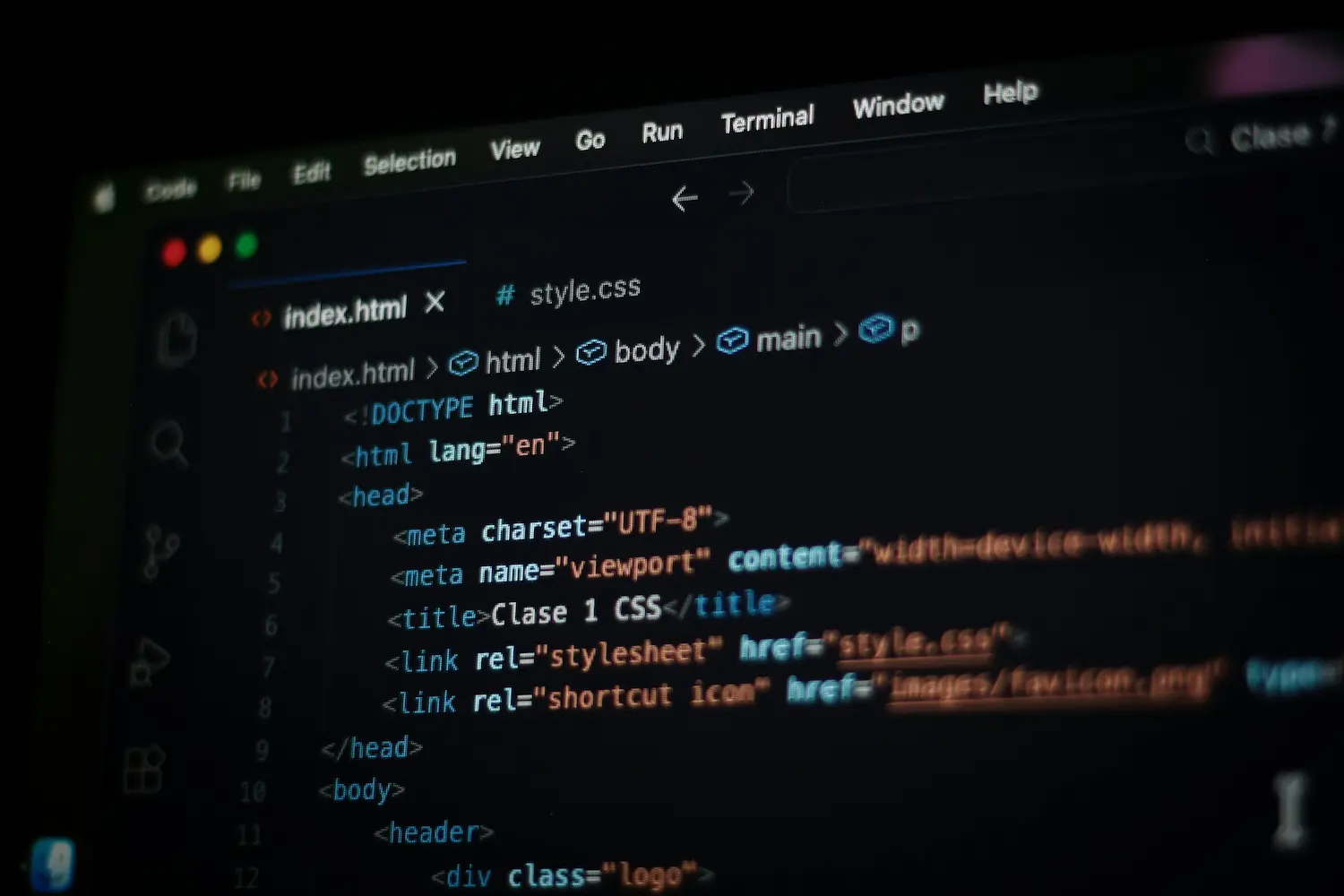
If you've been lurking in developer forums trying to figure out where to start with web development, here's the good news: the community is shockingly consistent about what matters. After digging through dozens of threads across r/webdev, r/learnprogramming, r/cscareerquestions, Dev.to, and Hacker News, five best practices surfaced again and again — not textbook advice recycled by content farms, but real talk from developers who learned the hard way.
These aren't flashy or contrarian. They're the unsexy fundamentals that working developers wish someone had drilled into their heads on day one.
1. Learn HTML, CSS, and JavaScript before you touch a single framework
This was the single most repeated piece of advice across every platform, every thread, every “what do you wish you knew” post. It appeared in 10+ independent sources — making it the closest thing the dev community has to gospel.
One Dev.to poster summed up the rookie mistake perfectly: “I wanted to learn HTML, CSS, JavaScript, React, Node.js, MongoDB, Firebase, TypeScript, Docker… I thought being a ‘full stack dev’ from Day 1 was the dream. But in reality, it was a nightmare. I ended up knowing a little bit about a lot — but not enough to build anything solid.”
The community's prescription is always the same: learn the three core technologies in order — HTML first, then CSS, then JavaScript — and don't move on until you're comfortable. The reasoning devs give is practical, not academic: “Frameworks change every few years. The fundamentals don't.” Without understanding vanilla JavaScript, frameworks become “black boxes” — you can make them work by following a tutorial, but the moment something breaks, you're helpless.
The community's favorite analogy: “HTML is the skeleton, CSS is the skin, JavaScript is the muscle.” A Hacker News commenter put it differently: “You don't need any of that [frameworks] to build a modern website. The web is still, at its core, HTTP requests that send text to a browser.”
The real-world consequence: a freeCodeCamp contributor who reviewed 50+ portfolios submitted on r/webdev said flatly, “I need to know that you have a clear understanding of CSS. I also need to know whether you have a solid foundation in plain JavaScript.” They explicitly stated that Bootstrap and jQuery aren't allowed in their interview process. Hiring managers want proof you understand what's happening under the hood.
2. Build ugly things — that's how you escape “tutorial hell”
If the fundamentals-first advice is the community's commandment, then “stop watching tutorials and start building” is the sermon that follows. The term tutorial hell has become standard developer vocabulary — it describes the trap of watching course after course, feeling productive, but being completely unable to build anything on your own.
The confessions are remarkably consistent:
- “I spent weeks watching tutorials, nodding along, and feeling productive. But ask me to build something from scratch? Panic. Watching is not the same as doing.”
- “I spent over 30 hours watching content on web development but still couldn't make a decent project from scratch.”
- “I thought I was building projects, but really I was just collecting YouTube tabs like Pokémon cards.”
What makes this advice land with beginners is the permission to be bad at it. The community is emphatic: your first projects are supposed to be ugly. As one developer put it: “Make ugly websites — because that's how beautiful ones begin.” Another: “Your first portfolio will suck. It's okay. Done is better than perfect — just ship it.”
The Bob Ross test: “Merely watching Bob Ross won't make you an artist — you need to put in the effort yourself.” Tutorials are training wheels. But you have to ride the bike.
The practical fix is dead simple: close the tutorial, open a code editor, and build something — a to-do app, a landing page, a personal blog, anything. As one Hacker News commenter suggested: “Just start on your project, and see how far you can get. Once you hit a road block, start looking at solutions to the problem.” Learning happens in the struggle, not in the watching.
3. Understand your code — copy-pasting is building on quicksand
This practice has always been important, but developers say it's become critical in the age of ChatGPT and AI code generation. The community draws a hard line between using code and understanding code — and warns that the gap between the two will catch up with you fast.
One developer's confession captures it perfectly: “I'd Google a problem. Find a Stack Overflow snippet. Paste it. It worked. I celebrated. But ask me why it worked? Silence. I was building my knowledge on a shaky foundation. When something broke, I couldn't fix it. I hadn't learned — I had just mimicked.”
The fix: “Anytime you paste code, rewrite it in your own words. Test variations until you understand why it works.”
The AI-specific version of this warning is newer and sharply worded. One Dev.to poster observed: “I see AI being used excessively. Beginner web developers open ChatGPT and give prompts like: ‘Create an e-commerce application,’ ‘Create an Amazon-like website.’ Eventually, you won't be able to build an e-commerce website on your own.”
The community's attitude toward looking things up is refreshingly relaxed: “Every senior developer once Googled ‘how to center a div.’” Googling is a professional skill. Understanding what you find is the practice that separates juniors from seniors. Coding is problem-solving, not memorization.
4. Learn Git on day one (or lose your work the hard way)
Version control with Git appeared in 7 out of 10 source categories across this research, and it stands out because it's the one practice where absolutely nobody disagrees. No dissenting voices. No “well, actually.” Just a community-wide chorus of developers who learned this lesson painfully.
The recurring confession: “I lost hours of work because I wasn't using version control.” Without Git, developers describe the chaos of naming files like “final_project_v4” or “final_final_reallyfinal” — a joke that lands because every beginner has been there. One post described Git as “a time machine for your code” — you can rewind to any previous version, experiment freely, and never worry about permanently breaking something.
The practical argument goes beyond not losing work. Git is how professional teams collaborate — Stack Overflow data shows a 94.5% usage rate among developers. Your GitHub profile also doubles as a portfolio. The freeCodeCamp portfolio reviewer warned: “The people reviewing your portfolio will dive into a project's Git history to double check ourselves.” One Redditor added: “I know for a fact my current employer looked through my GitHub before interviewing me.”
Developers recommend starting with just the basics — git init, git add, git commit, git push — and using GitHub to store every project, even tiny experiments. The consensus: learn it early, use it for everything, and write commit messages that actually explain what you changed. Future-you will be grateful.
5. Build for phones first and make it work for everyone
Responsive design and web accessibility are two practices that the community treats as non-negotiable — and intertwined. Together, they represent the idea that a website isn't done until it works for all users on all devices.
The responsive design argument is straightforward: over 60% of internet traffic comes from mobile devices. If your site looks great on a laptop but breaks on a phone, most of your audience is having a bad time. The freeCodeCamp reviewer who assessed 50 r/webdev portfolios revealed exactly how hiring managers test this: “Want to know what many reviewers' favorite thing to do with your portfolio is? We love opening your website and then immediately adjusting the browser window width back and forth.” They specifically praised mobile-first CSS: “Writing mobile-first styling tells us that you like writing the smallest amount of code needed.”
The accessibility advice hit even harder. That same reviewer identified it as “the biggest mistake made throughout the review” of all 50 portfolios. Their first test: “One of the first things I physically do with a portfolio is to try to navigate it without using my mouse. If that's not possible, I know that the applicant doesn't have accessibility on their mind.”
The practical starting point: Use semantic HTML — <header>, <nav>, <main>, <footer> — instead of wrapping everything in generic <div> tags. The community calls the alternative “div soup.” Semantic elements give screen readers landmarks to navigate by and improve SEO for free. As one portfolio reviewer summarized: “Before writing any styling, make sure your HTML is accessible.”
The analogies developers actually use
Real developers explain web development to beginners using surprisingly consistent imagery. These are the most natural, recurring ones found across community discussions:
- The body analogy: “HTML is the skeleton, CSS is the skin, JavaScript is the muscle”
- The Bob Ross test: “Merely watching Bob Ross won't make you an artist”
- Training wheels: “Tutorials are training wheels. But you have to ride the bike”
- The time machine: Git is “a time machine for your code”
- Black boxes: Frameworks without fundamentals “feel like black boxes”
- The Pokémon card collector: “I thought I was building projects, but really I was just collecting YouTube tabs like Pokémon cards”
- The ugly-first principle: “Make ugly websites — because that's how beautiful ones begin”
The bottom line
The developer community's advice for beginners is less about specific tools and more about habits of mind. Learn the fundamentals before chasing frameworks. Build things, even ugly things. Understand your code instead of copying it. Use Git from day one. Design for all devices and all users.
These five practices aren't glamorous, and none of them will go viral on Twitter. But they surfaced independently, over and over, from developers with 5, 10, and 25 years of experience — people who tried the shortcuts and came back to say the boring path was faster all along. The most telling recurring sentiment captures the community's collective posture toward beginners: “Every senior developer once Googled ‘how to center a div.’ Start anyway.”
Sources
- Dev.to — “What I Wish I Knew Before Starting Web Development” — dev.to
- freeCodeCamp — “I Reviewed 50 Portfolios on r/webdev” — freecodecamp.org
- Hacker News — r/webdev and r/learnprogramming community threads — news.ycombinator.com
- Emma Bostian — “Mistakes Beginner Developers Make” — dev.to
- Stack Overflow Developer Survey — Git usage data (94.5%) — survey.stackoverflow.co
- CopyProgramming — Compiled Reddit beginner advice — copyprogramming.com
- Mahir Anand — Tutorial hell confession — dev.to
- GeeksforGeeks — Coding as problem-solving vs. memorization — geeksforgeeks.org
- web.dev — Semantic HTML and screen reader accessibility — web.dev
- Codecademy — Semantic HTML5 elements — codecademy.com
Need a website that actually works?
Let's build something that gets you results.
We build fast, accessible, mobile-first websites for small businesses — the kind built on fundamentals, not shortcuts.
Get a free consultation